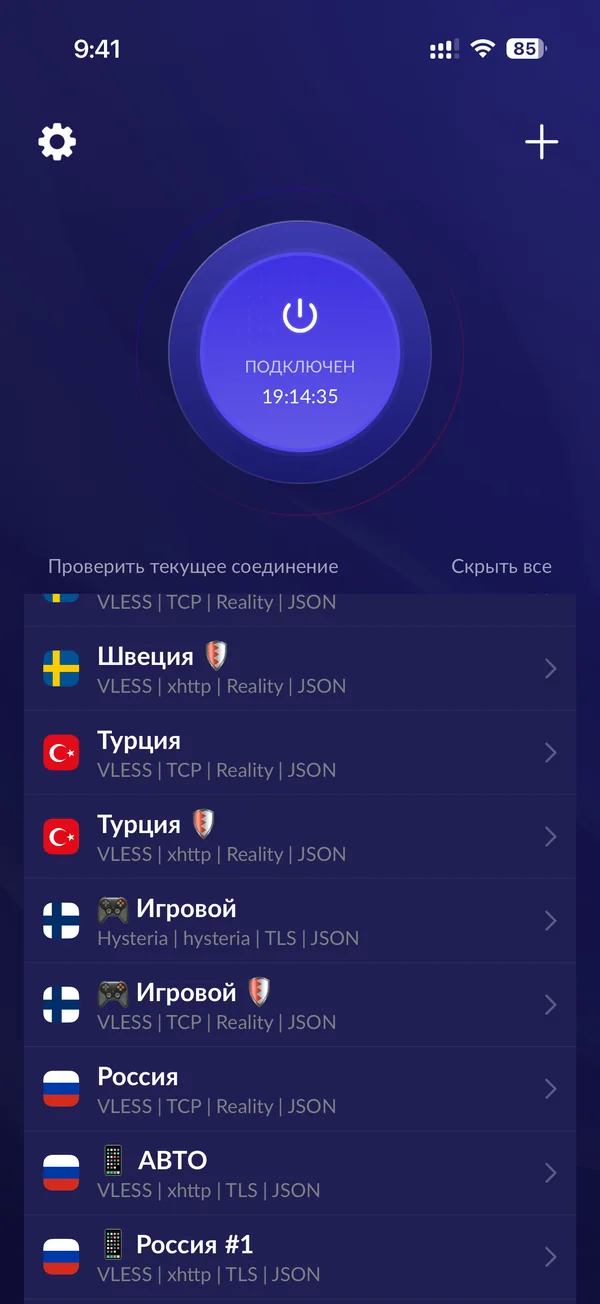
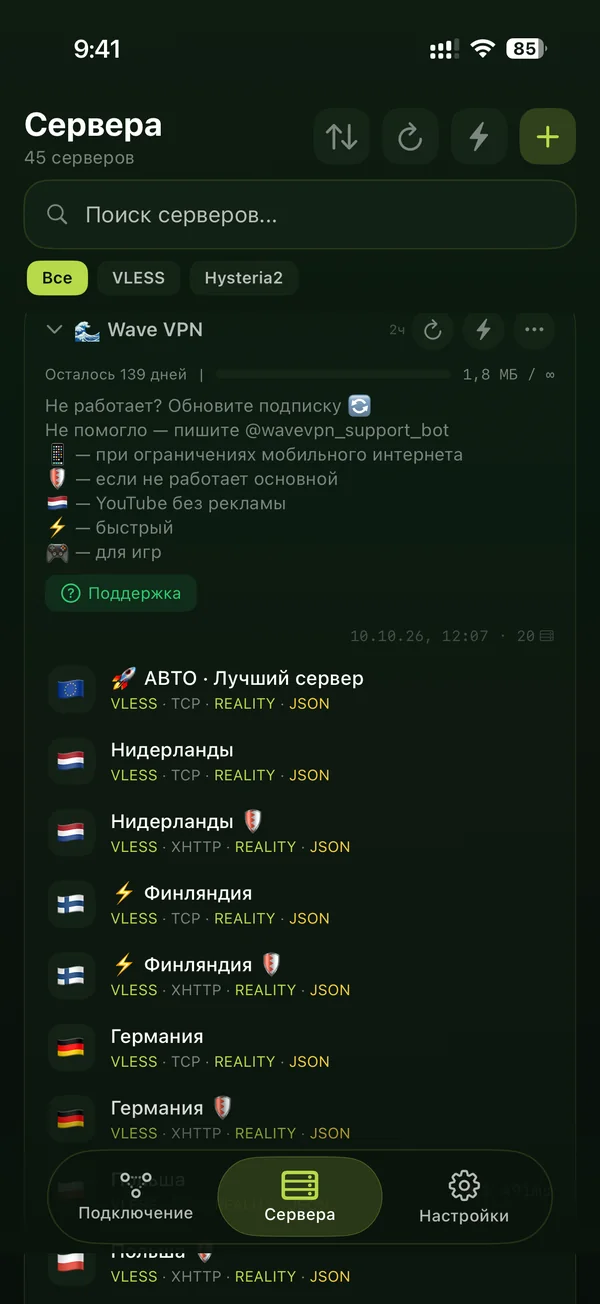
How to connect
- 1
Pick a term and pay. By SBP from your banking app or by card.
- 2
Get your key. It appears on the page right after payment — no need to wait for an email or a message.
- 3
Add it to the app. One button, then switch it on. Nothing to configure.
Why Wave VPS
Five devices on one key. Phone, laptop, tablet, TV — no extra charge.
We don’t count traffic. Movies, calls, work — as much as you need.
Russian banks and apps work as usual. An active connection doesn’t get in the way of banking, government services or marketplaces.
Stable connection. We monitor the servers around the clock and shift the load ourselves if something goes wrong.
Real support. People answer, not a bot.
No auto-renewal. The subscription doesn’t renew by itself — you renew when you decide to.
Pricing
Every plan is the same: up to 5 devices, unlimited traffic, support. Only the term differs.
VPS works on all your devices
- iPhone and iPad
- Android
- Windows
- macOS
- TVs
FAQ
What do I get?
Access to our VPS servers in Europe with a single key. The key is added to a free app with one button — no server setup on your side. Up to five devices, unlimited traffic.
How do I connect?
After payment you’ll see a page with your key. Install the free app from the link, tap “Add to app” and switch it on. A detailed guide with screenshots is right there.
How many devices can I connect?
Up to five at the same time on one key. The key is added to every device the same way: with a button, by copying or via QR code.
Why do you ask for an email?
The subscription is tied to it. We’ll send the key there, and later — reminders to renew. Renewal, devices and support are also in our Telegram bot, the link is in the email.
Will there be auto-charges?
No. The subscription doesn’t renew on its own. We’ll remind you before it ends, and whether to renew is up to you.
What if it doesn’t work?
Write to support — we’ll sort it out together.
How do I renew?
In the Telegram bot — we’ll give you the link after payment. Or simply buy a new subscription on the site with the same email — the term is added to the current one.
How can I pay?
By SBP from any Russian banking app or by bank card. Payment happens on the payment provider’s secure page — we never see your card details.